
How-To adjust the number backups retained by WHM
Introduction In some cases, you may wish to keep more than one backup of your accounts. Through the WHM Backup Configuration page, you can easily adjust the number […]
Introduction In some cases, you may wish to keep more than one backup of your accounts. Through the WHM Backup Configuration page, you can easily adjust the number […]
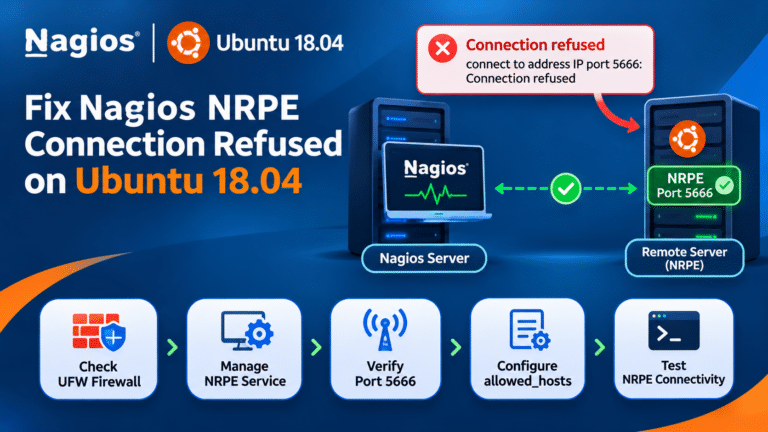
Post Date: May 09, 2022Last Updated: November 02, 2026 Introduction The connection refused on Ubuntu 18.04 error can occur when the NRPE daemon is not running or the
Step 1: Login to your cPanel account and find Spam Filters. Step 2:Click on “Show Additional Configurations” at the bottom. Step 3:Next, click “Edit Spam Whitelist settings”. Step
How to configure skeleton directory in WHM Date Posted: 25-10-2018 In this tutorial ,we will explain about the skeleton directory feature in WHM panel. But if you want
Step 1:- Login to the AWS Management console Step 2:- Search AWS Amplify on the search bar and click on it. Step3:- Select GET STARTED and on Deliver
Step 1: Download the latest WordPress file (Download | WordPress.org) Step 2: Log in to your cPanel. And click “File Manager” in the file section Step 3: Goto Domain folder